My files and shared workspaces
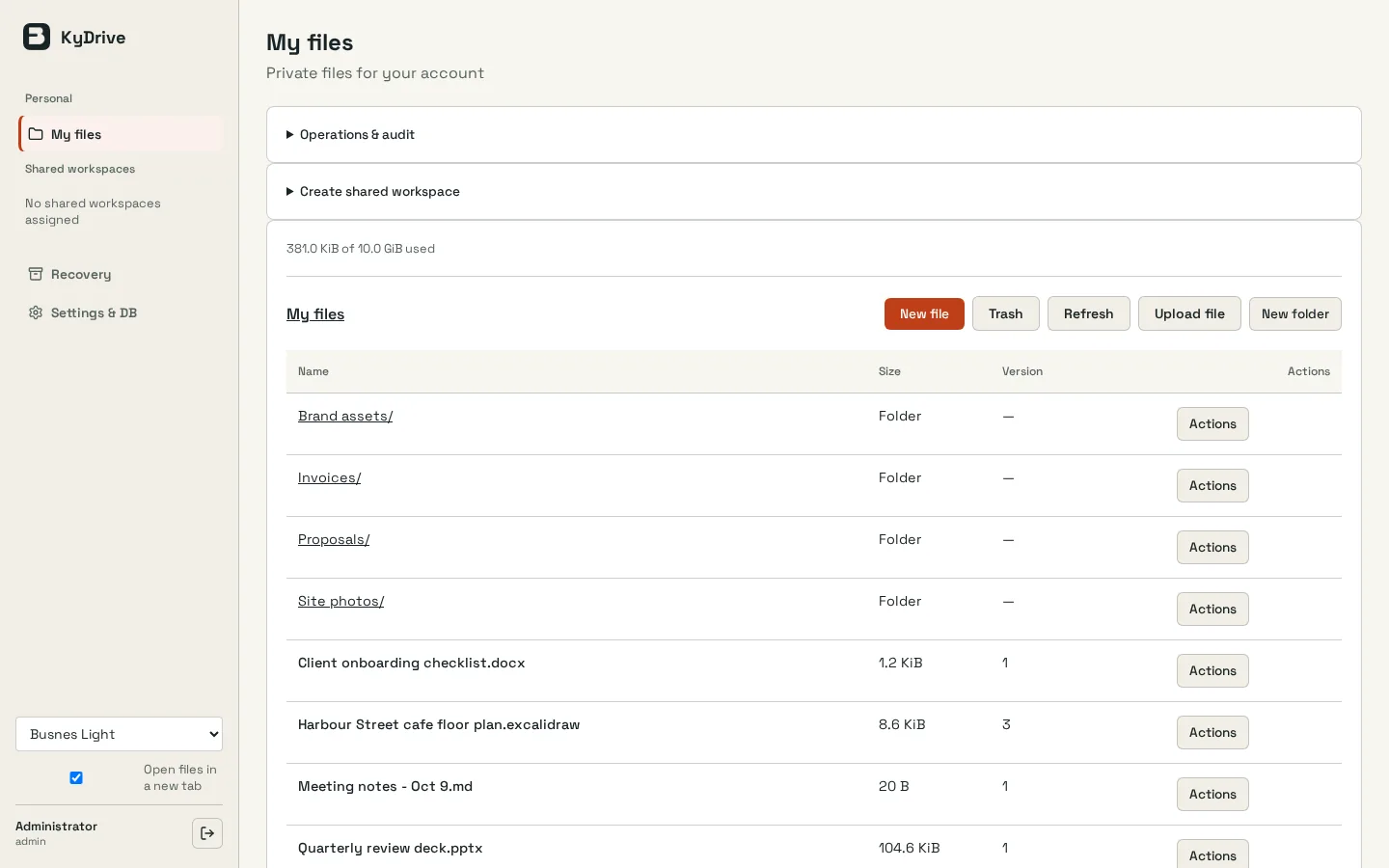
Every account gets a private workspace. Shared workspaces open to KyIdentity groups as reader, editor or manager, and access applies to everything inside.
KyDrive / Files & sharing
A self-hosted private and shared drive for small organizations, with versions, trash, quotas and in-browser document editing.
Open source (MIT) · PilotScreenshots
Inside KyDrive
Every account gets a private workspace. Shared workspaces open to KyIdentity groups as reader, editor or manager, and access applies to everything inside.
Create Word, Excel and PowerPoint files and edit them in Euro-Office. Markdown, text, CSV and OpenDocument files open there too, and every save becomes a new version.
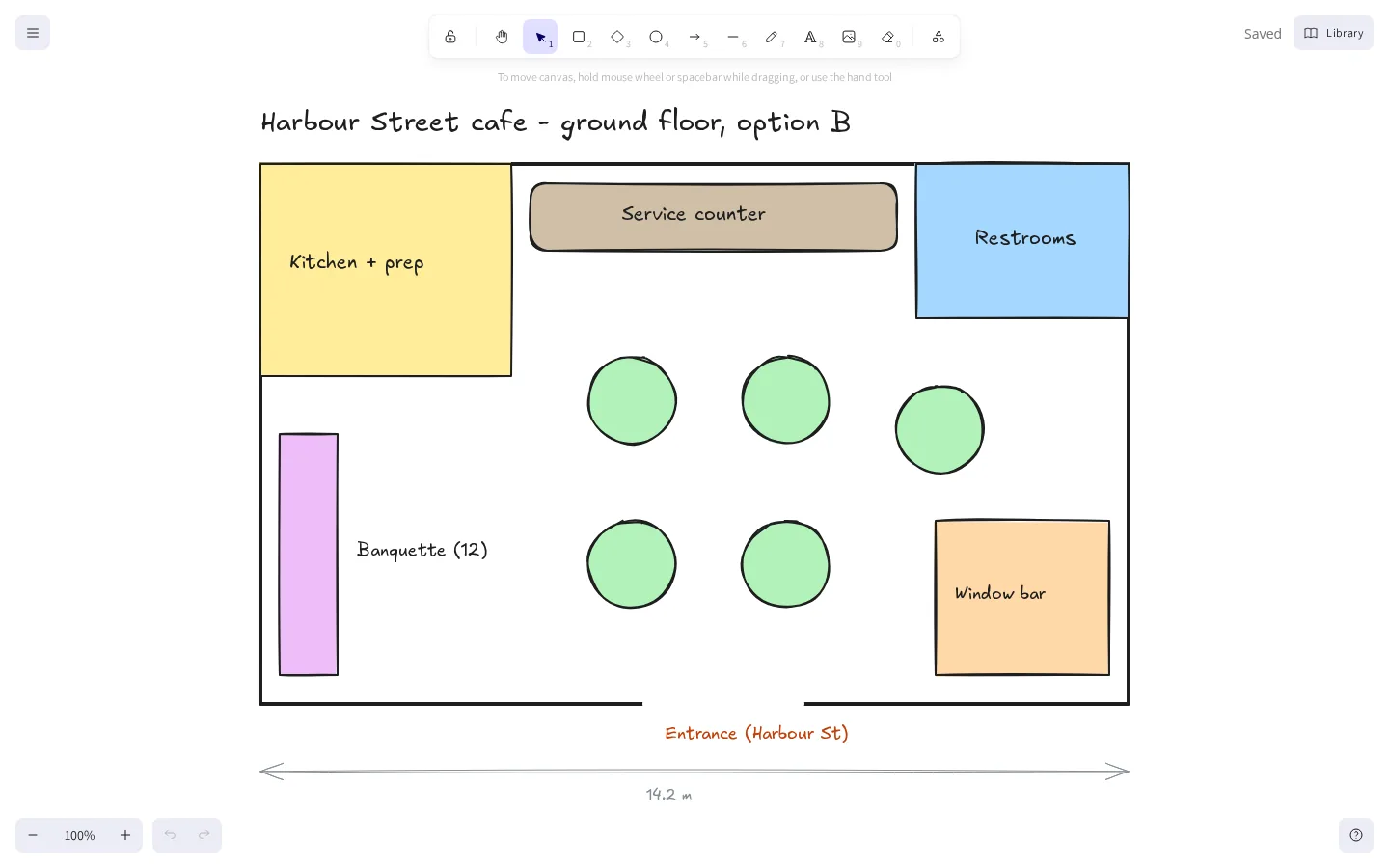
Sketch plans and diagrams in an Excalidraw whiteboard that saves straight into your drive.
Deleted files go to trash and old versions are kept. Managers can purge, administrators can set retention per workspace, and every action is audited.
Deactivating someone, removing them from a group or lowering their role ends their file access and open editor sessions.
Euro-Office for documents, Excalidraw for the whiteboard and restic for file snapshots. Ky supplies the sign-in, workspace permissions and sealed backups that tie them together.
How it fits together
KyDrive runs as a single instance with no desktop sync, WebDAV, public links or search yet. The document editor handles files in plaintext, so this is not end-to-end encryption. Back up file blobs with restic to storage that fails independently of the server, alongside capsule backups to KyRecovery.
Read the Busnes.app privacy policy. For data on an independently operated installation, contact its operator.
Next step
The README covers installation, the document editor, sign-in, retention and recovery.