
A directory, not a zone file
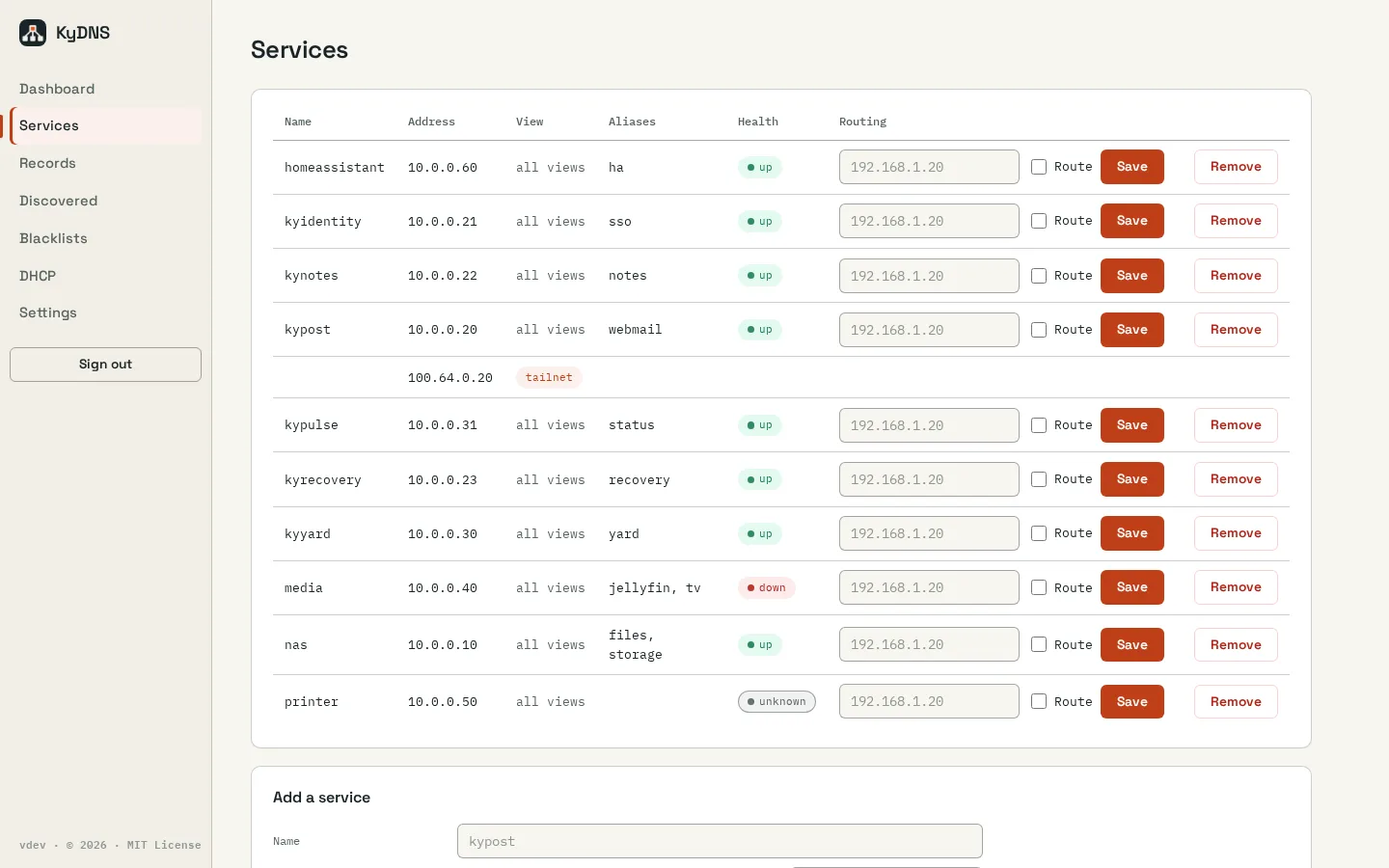
Register a service once with its addresses and aliases. Reverse records follow automatically, and manual A, AAAA and CNAME records cover the rest.
KyDNS / Local network
Local DNS and a service directory for your network, with ad and tracker blocking and sealed backups to KyRecovery.
Open source (MIT) · ReleasedScreenshots
Inside KyDNS
Register a service once with its addresses and aliases. Reverse records follow automatically, and manual A, AAAA and CNAME records cover the rest.
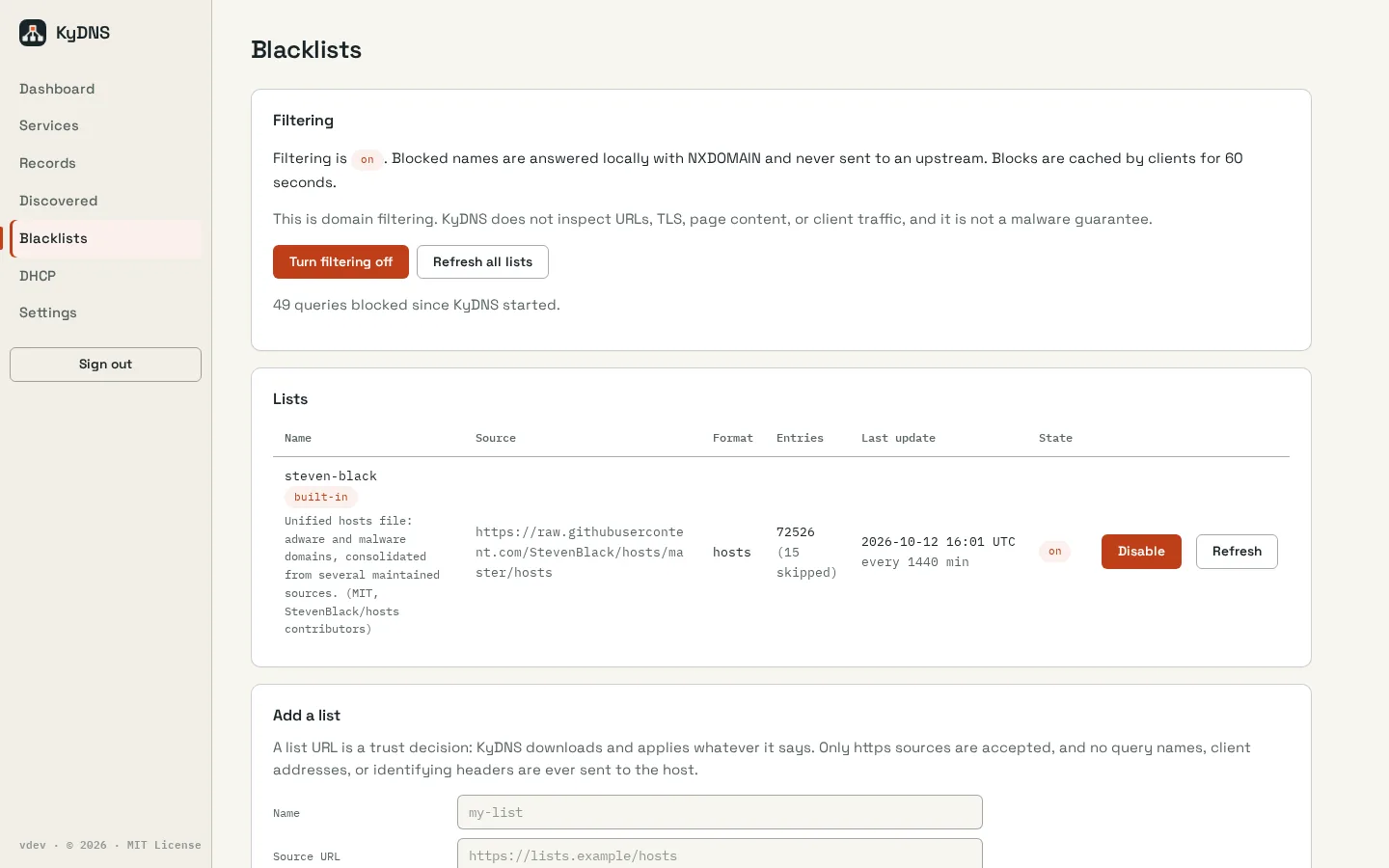
Ad and tracker filtering is on by default, with built-in and custom lists and allow/deny rules. Your local names are never blocked.
Everything else is forwarded over DNS-over-TLS or DNS-over-HTTPS, with a cache and upstream failover.
Per-subnet views let the same name answer differently on the LAN and over a VPN.
HTTP, HTTPS and TCP checks show which services are up. An optional DHCP server comes with a setup wizard.
Settings apply live without a restart. Pair a second server for replication, export your config as YAML or JSON, and send sealed backups to KyRecovery.
How it fits together
Replica promotion is manual; automatic failover, local DNSSEC validation, IPv6 DNS advertisement and certificates for private names are not yet implemented. Binding port 53 needs root or CAP_NET_BIND_SERVICE; the built-in DHCP server needs a native install or host networking.
Read the Busnes.app privacy policy. For data on an independently operated installation, contact its operator.
Next step
The README covers installation, upgrades, replication and backup.